Window Awnings
Dress Up Your Windows & Increase Comfort
Are your windows bare? Does the sun beat in and make the family room unbearable? Window awnings will provide the relief and style you are looking for.
Long Lasting Aluminum & Fabric Window Awnings
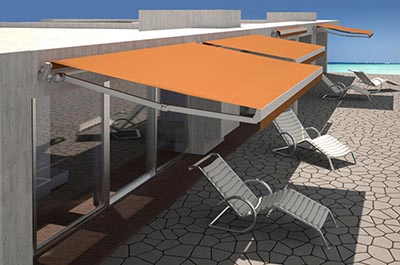
Our awnings are a practical choice for protection from the elements and are made to last. They are available in several models with support arms or side wings to fit almost any window style. We have stationary or roll-up models with solid or striped patterns.
Choose Your Style
Whether you prefer the look of high-quality marine weave fabric for your window awnings or the rugged durability of extruded aluminum, we offer a wide variety of shapes and sizes.
Aluminum Window Awnings
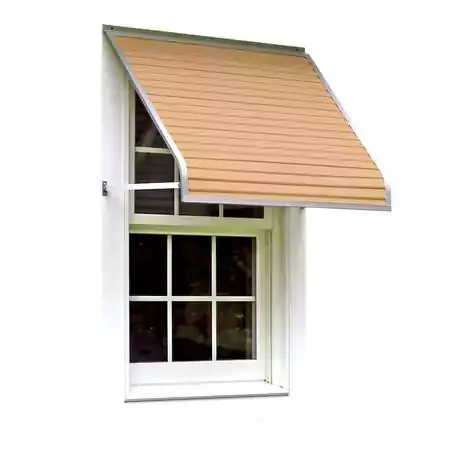
Aluminum Awning Features
A: Series 1100 | Series 3100 | Series 4100 and Series 5500 all ship with white aluminum support arms with adjustable heavy duty wall attachment brackets.
B: All aluminum DOOR CANOPIES come with a built in front rain gutter. Absolutely perfect to prevent the rain from pouring down on you as you come in from the rain.
C: All aluminum awnings come with a heavy duty 'reverse C' mounting rail for a strong and reliable installation. Though you can take your awning down for cleaning etc. it is designed as a permanent installation.
D: Series 1500 includes vented side-wings which fully enclose canopy while allowing upward winds to escape. Each set of side-wings have adjustable wall brackets for easy installation.

Aluminum Window Awnings
Series 3100 With Arms
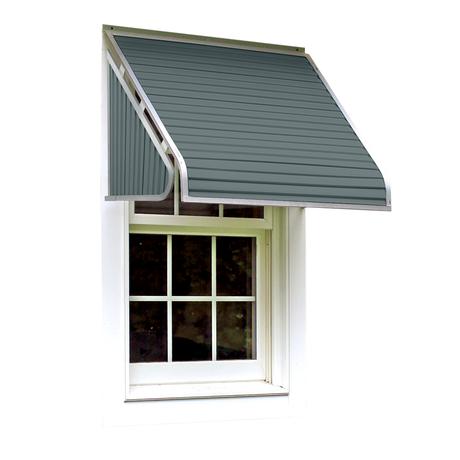
Series 3500 With Sides
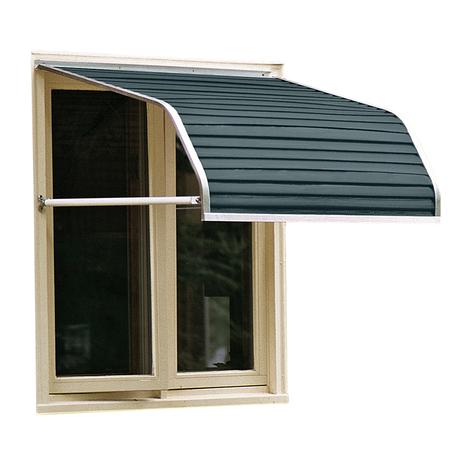
Series 4100 Casement
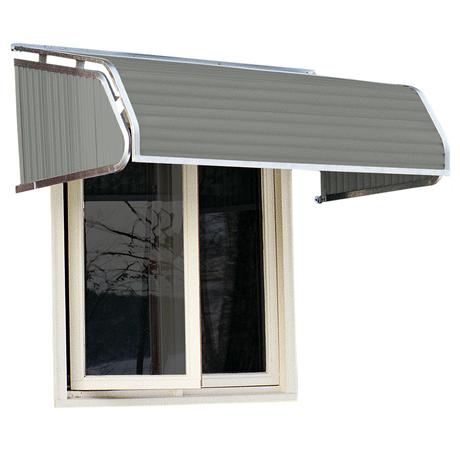
Series 4500 Casement
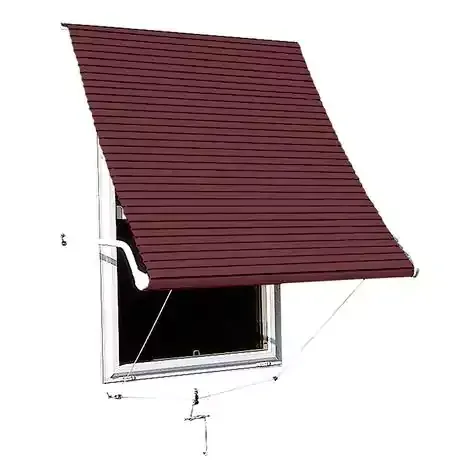
Series 5500 Roll Up
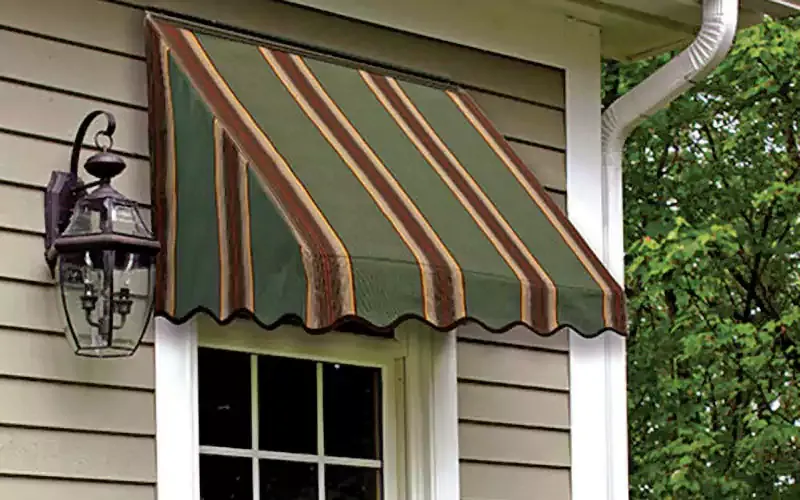
Fabric Window Awnings
Fabric Awning Features
A: Series 2700 | Series 3300 | Series 3700 | Series 4300 | Series 4700 and Series 5700 all ship with bronze aluminum support arms and heavy duty wall attachment brackets. Our sewn elastic tabs help keep your awning taut and flexible on your home.
B: Each awning is finished with a braid color to match the fabric you have chosen.
C: All aluminum awnings come with a heavy duty 'reverse C' mounting rail for a strong and reliable installation. Though you can leave your awning up as a permanent installation, it is easy to take your awning down for cleaning or to store it away for the winter.
D: Choose from over 100 fabric patterns in solids and stripes.

Fabric Window Awnings
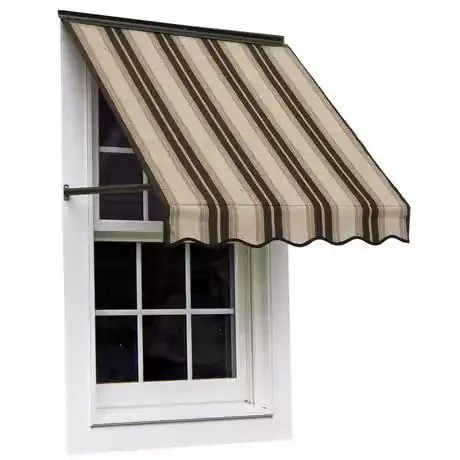
Series 3300 With Arms
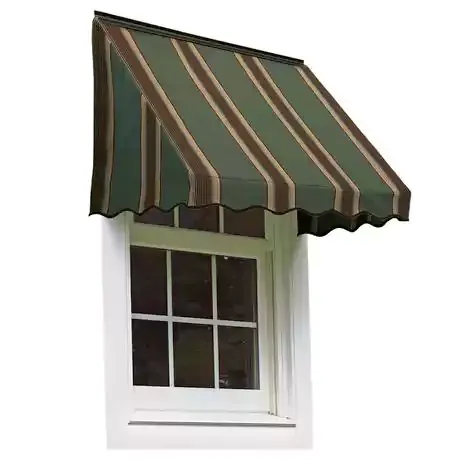
Series 3700 With Sides
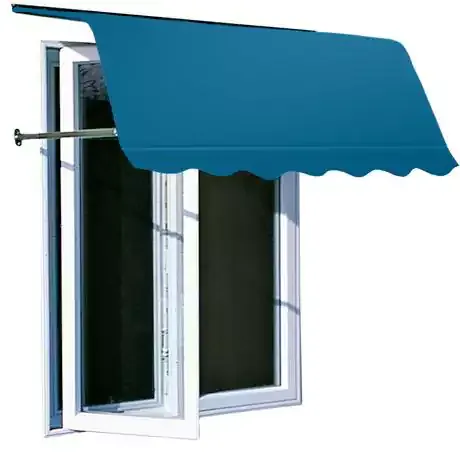
Series 4300
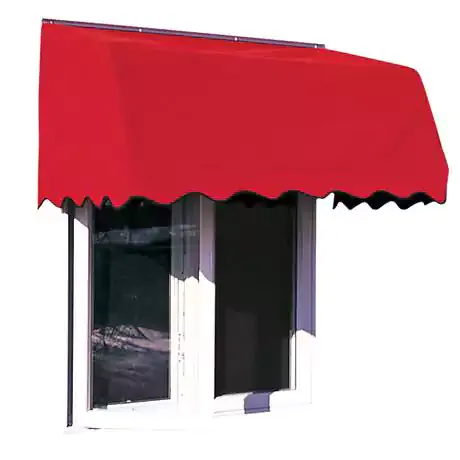
Series 4700
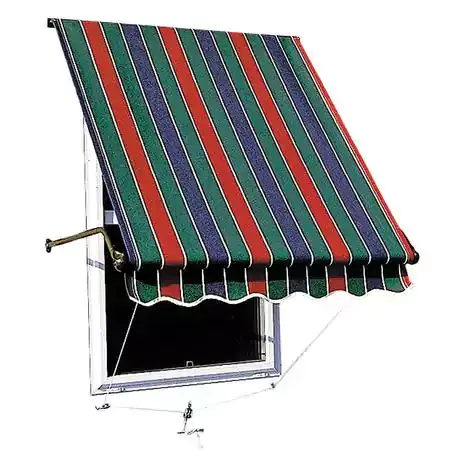
Series 5700
Aluminum Awning Colors
Window awnings and door canopies are available in thirteen colours – the highest quality solution dyed marine weave fabric available on the market today.
Fabric Color Options
Fabric window awnings are available in over 140 different colors.